

Top Graphic Design Tools Every Creative Should Use in 2026
Why Tools Matter More Than Ever in 2026
In 2026, creative work moves fast — and the graphic design tools 2026 you choose can directly shape the quality, speed, and professionalism of what you produce.
Whether you’re a freelance designer, content creator, or a small business owner managing your own visuals, the right tools don’t replace creativity — they amplify it. The difference between “good enough” design and polished brand work often comes down to workflow, software, and systems.
This guide breaks down the essential platforms creatives are using right now — and how to choose what actually fits your style of work.
The Industry-Standard Design Tools (Premium)
If you want the professional baseline, Adobe still leads the industry. These tools are used across agencies, studios, and high-level brand work worldwide.
Adobe Photoshop
Best for: Photo editing, manipulation, digital graphics
Photoshop is the go-to tool for:
Image retouching
Web and social assets
Mockups and compositing
Texture-based design work
If you work with photography or digital content, Photoshop is essential.
Best for: Logos, vector artwork, scalable illustrations
Illustrator is built for clean, crisp design that needs to scale — from business cards to billboards.
Use it for:
Brand marks and icon systems
Typography-based logo work
Packaging illustrations
Vector assets for digital products
Adobe InDesign
Best for: Layout and multi-page design
InDesign is where structure lives. It’s ideal for:
Brochures
Magazines
Pitch decks
Reports and editorial design
If your work involves layout-heavy documents, this is the tool.
Collaborative and Modern Design Tools
Design isn’t always solo anymore. In 2026, collaboration is built into the workflow — especially for remote teams.
Figma
Best for: UI/UX, prototyping, real-time collaboration
Figma is a powerhouse for:
Web and app interface design
Collaborative design systems
Live feedback across teams
Product and digital brand experiences
It’s become the default tool for modern digital design.
Canva
Best for: Fast content creation and social media graphics
Canva is perfect for:
Entrepreneurs building quick marketing assets
Social media templates
Posters and lightweight branding
Non-designers needing speed
Many professionals now use Canva alongside Adobe — not instead of it.
That’s why Canva remains one of the best graphic design software options for fast-paced content workflows.
Powerful Alternatives for Niche Creative Work
Not every creative needs the full Adobe ecosystem. These tools offer strong alternatives depending on your focus.
Affinity Designer
A budget-friendly vector tool with professional capability.
Sketch
Popular for interface design, especially in Apple-centric workflows.
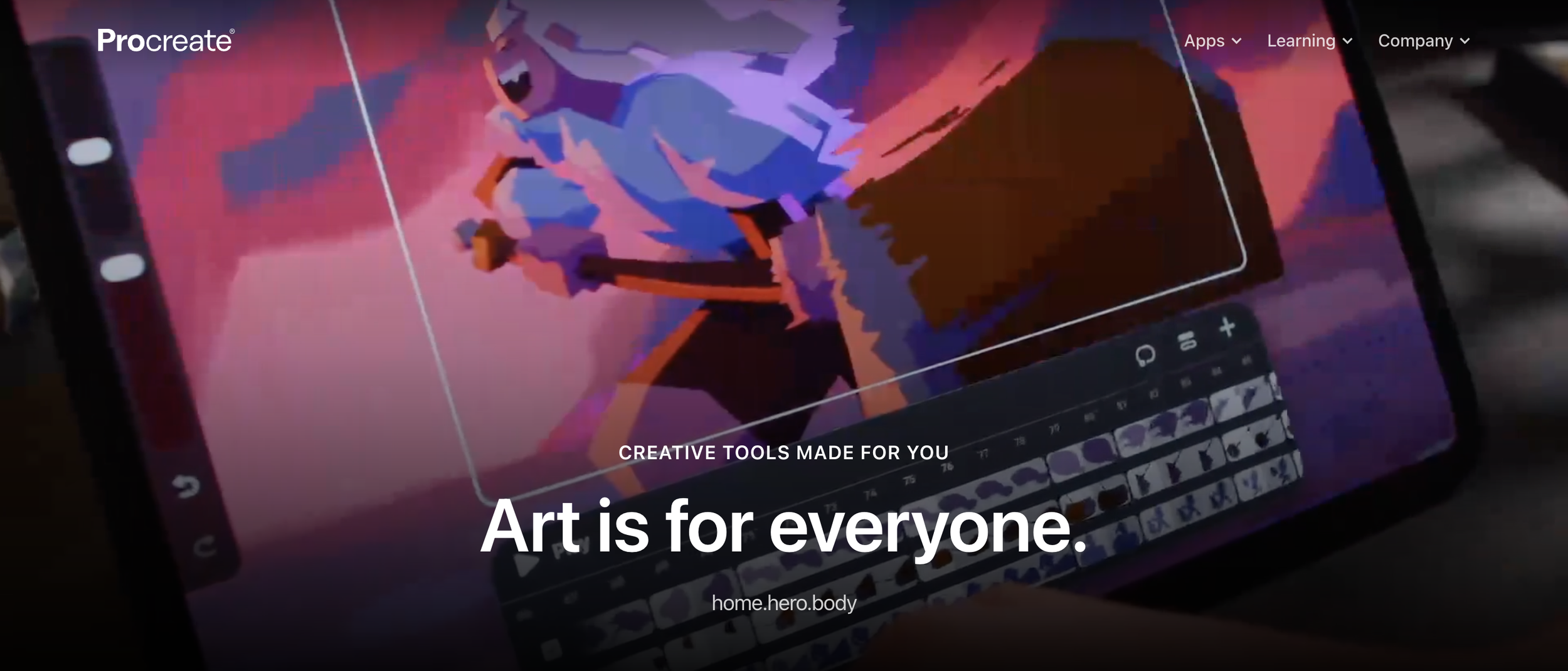
Procreate
A favourite for illustrators working on iPad — intuitive, tactile, and portable.
These are excellent tools for creatives who want flexibility outside the Adobe suite.
Emerging Tools to Watch in 2026
AI-enhanced design is evolving quickly — and the smartest creatives are learning how to use these tools without losing originality.
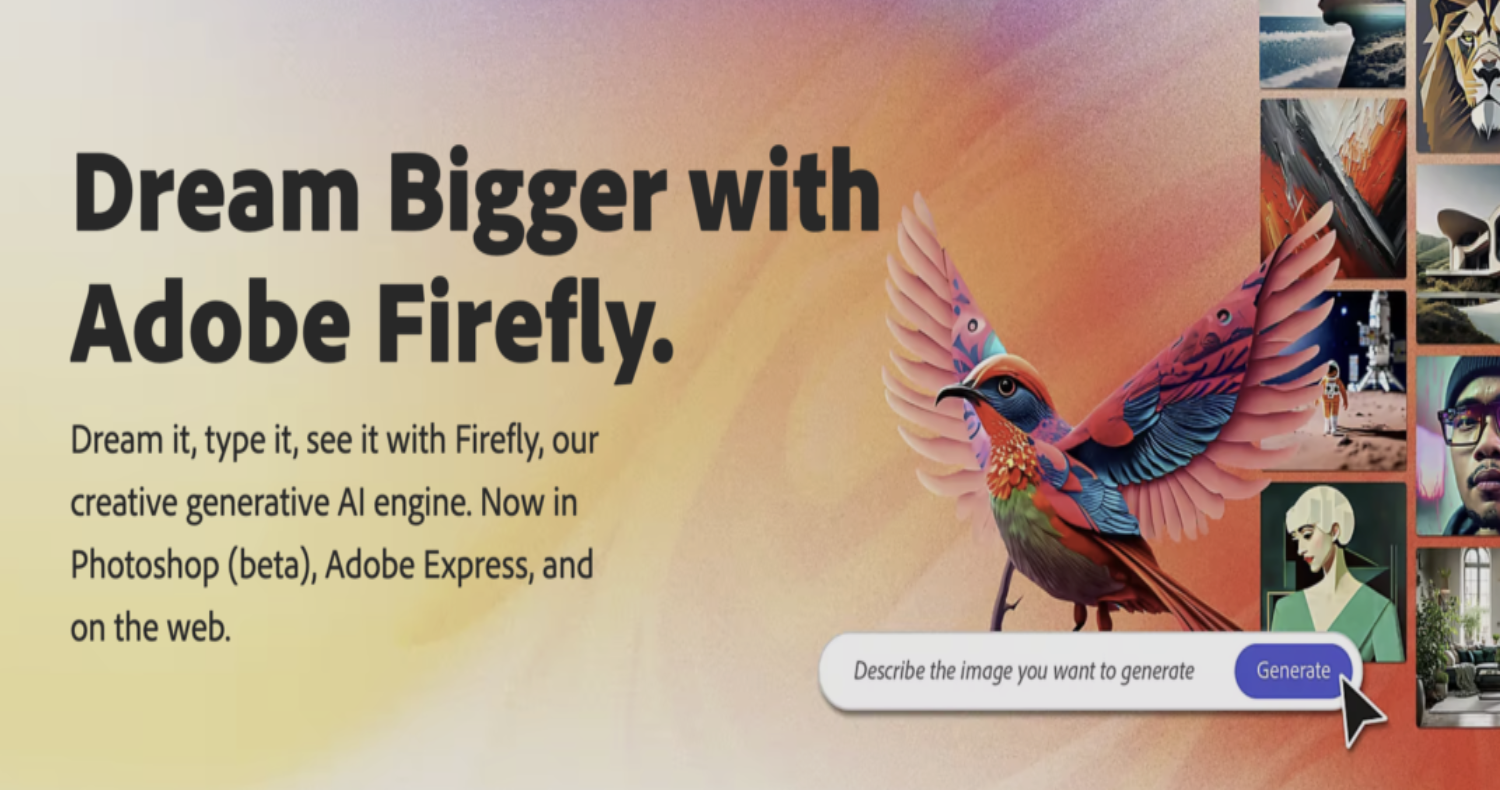
Adobe Firefly
Adobe’s generative AI tool for concepting, backgrounds, and creative experimentation.
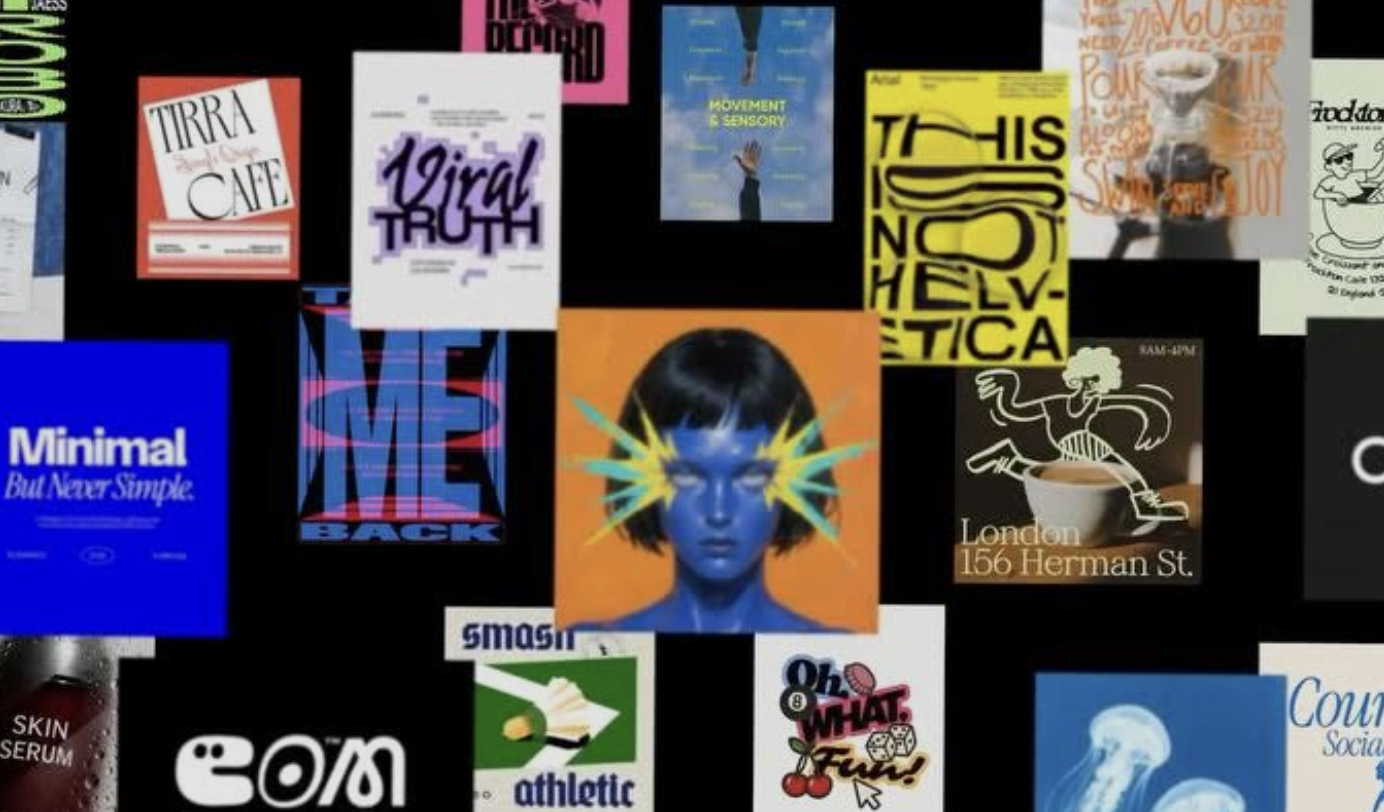
Kittl
A modern platform for typography-heavy design and merch-style graphics.
These tools are not replacements — they’re accelerators when used intentionally.
Free vs Paid Tools: What Should You Invest In?
A common question: Do I need to pay for design software to be taken seriously?
Here’s the honest answer:
Beginners
Start with:
Canva
Free Figma tier
Google Fonts
Coolors
Learn principles before spending heavily.
Intermediate Designers
Invest in:
Adobe Illustrator or Photoshop
Procreate
Paid asset libraries
This is where workflow becomes professional.
Advanced / Agency-Level Work
You’ll likely need:
Full Adobe Suite
Figma systems
Collaborative tools
Brand asset management
The best graphic design software is the one that matches the level of work you’re delivering.

How Agencies Like Legs Brands Use These Tools
At Legs Brands®, we use a wide array of tools depending on the project.
Our designers have deep experience across:
Adobe Suite
Canva
Figma
Online workflow tools
A brand identity project might involve Illustrator + Photoshop. A campaign rollout might blend InDesign layouts with Canva templates for social delivery. Every client need is different — and the tool stack adapts accordingly.
That’s why mastering the right tools for creatives is less about trends, and more about choosing what supports your outcome.
A Practical Tool Checklist (By Skill Level)
Rather than a one-size-fits-all download, here’s a simple way to think about your creative toolkit:
Beginner Essentials
Intermediate Upgrade
Advanced Studio Stack
Adobe Firefly + Kittl experimentation
Build your toolkit slowly — mastery beats overwhelm.
Legs Brands Takeaway
The best designers in 2026 aren’t defined by having the most tools.
They’re defined by knowing which tool to use, when — and building workflows that let creativity scale.
Start with what fits your needs now. Expand as your projects grow. And remember: tools amplify skill — they don’t replace it.
👉 Check out some of the work that we have done for clients
